TAG is a subscription-link proxy service built for people who already use Clash Verge, Mihomo Party, v2rayNG, Shadowrocket or sing-box. One subscription link gives you a curated set of global nodes, multi-protocol support, and a setup that takes minutes instead of hours.
No account or password screens · Works with the client you already use
TAG focuses on the things that actually matter when you're comparing a proxy subscription: node stability, honest setup instructions, and no dead ends.
A rotating set of nodes across multiple regions, chosen for consistency rather than raw quantity. TAG is built for people evaluating a proxy subscription who care more about a node staying up than a big number on a marketing page.
Streaming, browsing, downloads and everyday work — TAG's routing is tuned for the kind of session lengths real subscribers actually run, not just a five-minute speed test screenshot.
TAG subscription links can include multiple modern proxy protocols side by side, so your client can pick whichever profile performs best on your current network.
TAG is a subscription link, not an app. Paste it into Clash Verge, Mihomo Party, v2rayNG, Shadowrocket or sing-box — the clients most subscription-based proxy users already have installed.
Refresh the subscription inside your client and node lists update automatically. No manual re-entry of server details, no separate download for every change.
Our Get Started guide and FAQ walk through subscription import step by step, and our contact page is there for anything the guide doesn't cover.

When people search for an airport recommendation, most of them are trying to filter out the noise: dozens of services promising unlimited speed and unlimited nodes with no way to verify either claim. TAG takes a narrower, more honest position — a clear subscription link, a documented setup flow, and node information you can actually see inside your own client once you're connected.
TAG is a proxy subscription in the traditional sense: you don't install a TAG app, you don't create a TAG account, and you don't hand over a password anywhere on this site. You add one subscription URL to a client you choose yourself, and that client handles the connection, the node switching and the protocol selection.
That's a meaningfully different model from a consumer VPN app, and it's the reason TAG pairs so naturally with power-user clients like Clash Verge and sing-box, where subscription-based configuration is the default way of working rather than an afterthought.
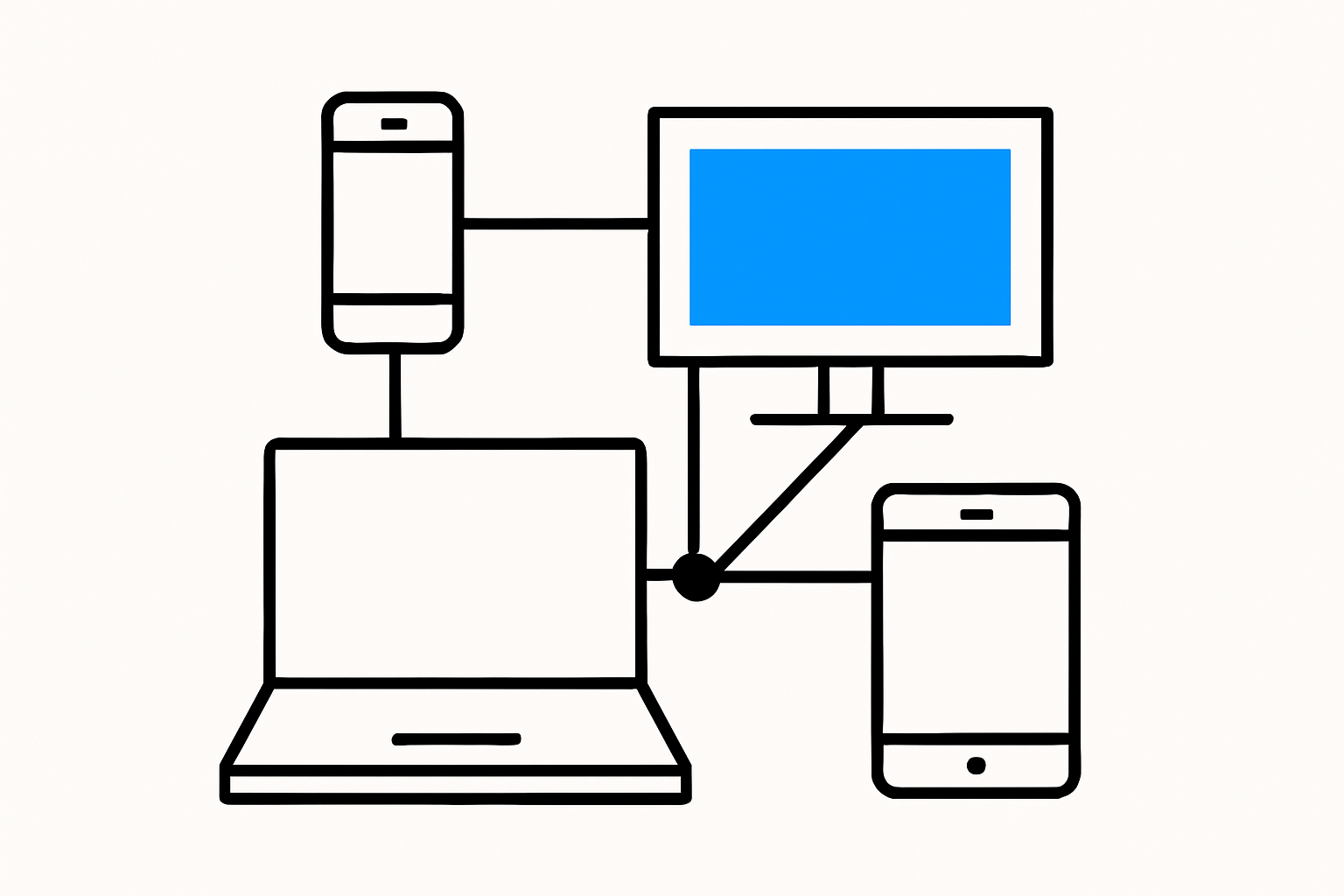
A single TAG subscription link isn't tied to one device or one operating system. Add it to Clash Verge or Mihomo Party on your laptop, v2rayNG on an Android phone, Shadowrocket on iOS, or sing-box wherever it runs, and every client pulls from the same node list.
That matters most when you're comparing a Clash subscription against something locked to a single app: with TAG, changing clients later doesn't mean starting over. You keep the same subscription link and only change which piece of software reads it.
We deliberately don't publish a TAG-branded app for you to download. The whole point of a subscription-config service is that the client is yours to choose — see the Get Started page for a walkthrough of each option.
No. TAG is a subscription link that you paste into a client you already have or install yourself — Clash Verge, Mihomo Party, v2rayNG, Shadowrocket or sing-box. There is no TAG app, no TAG account, and no password to remember.
Any client that can import a standard proxy subscription URL. That covers Clash Verge and Mihomo Party on desktop, v2rayNG on Android, Shadowrocket on iOS, and sing-box across platforms. Full steps for each are on the Get Started page.
Not really — the whole flow is copy a link, paste it into your client's subscription field, and refresh. Our Get Started guide walks through each client with the same three steps, and our FAQ page covers the questions that come up most.